
Community
Publishing Your Patterns
Share a pattern with the community: a public page with likes, comments, finished-piece photos, and an optional remix permission.
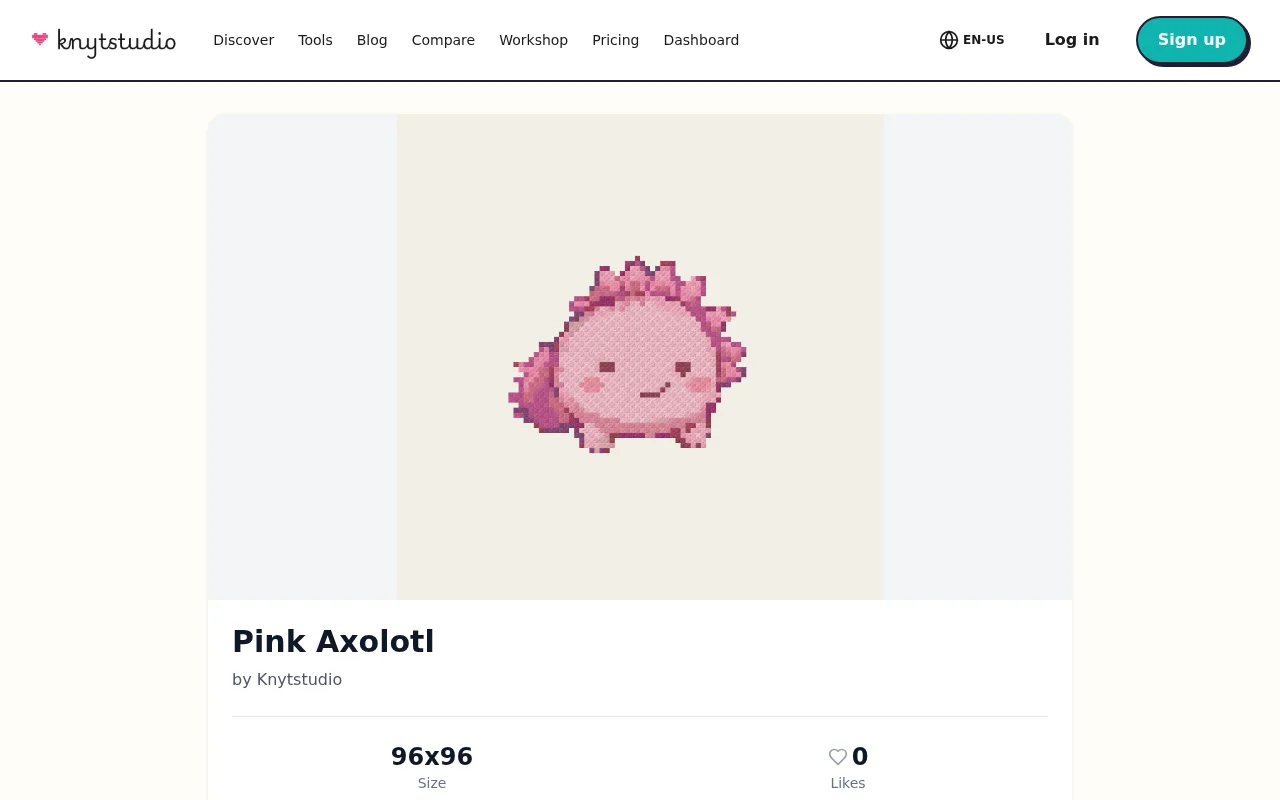
A finished pattern wants an audience. Publishing gives your design a public page that anyone can visit — no account needed to admire it — and puts it in the Discover gallery where the community browses.
Publishing
With your pattern open, choose Publish. You set three things:
- Title and description — what it is, what fabric and count you designed it for, anything a stitcher should know.
- Allow remixing — whether others may open a copy of your pattern in their own editor to build on it. Remixes always credit you and count on your pattern’s page.
Your pattern gets a page with a crisp preview, its size and details, and buttons to like it or open it in the app.
What visitors can do
People can like your pattern, comment on it, and — the best part — post photos of their finished pieces. There is a dedicated “I stitched it” flow where stitchers upload a photo of the result, so over time your pattern page collects evidence of its life out in the world: same chart, ten different fabrics and framings.
You get notified when someone likes, comments on, or remixes your work — watch the bell icon.
Visibility options
Patterns are private by default. Publishing makes them public; there is also an unlisted mode, where the pattern has a shareable page but stays out of the gallery — nice for sharing with a stitch-along group before a public release.
Your published patterns gather on your profile page, which becomes your designer portfolio on Knytstudio.
Frequently asked questions
Can I unpublish a pattern?
Yes, anytime. Unpublishing returns it to private — it disappears from the gallery and its public page, and stays safely in your library.
Do I have to allow remixing?
No, it is a checkbox you control when publishing. With remixing on, others can open a copy in their editor (always credited to you). With it off, they can view, like, and comment, but not copy.
Is publishing free?
Yes, publishing and the whole community side of Knytstudio are free.
Try it yourself
The Knytstudio editor is free to use in your browser. No install, no signup needed to start.
Open the editor